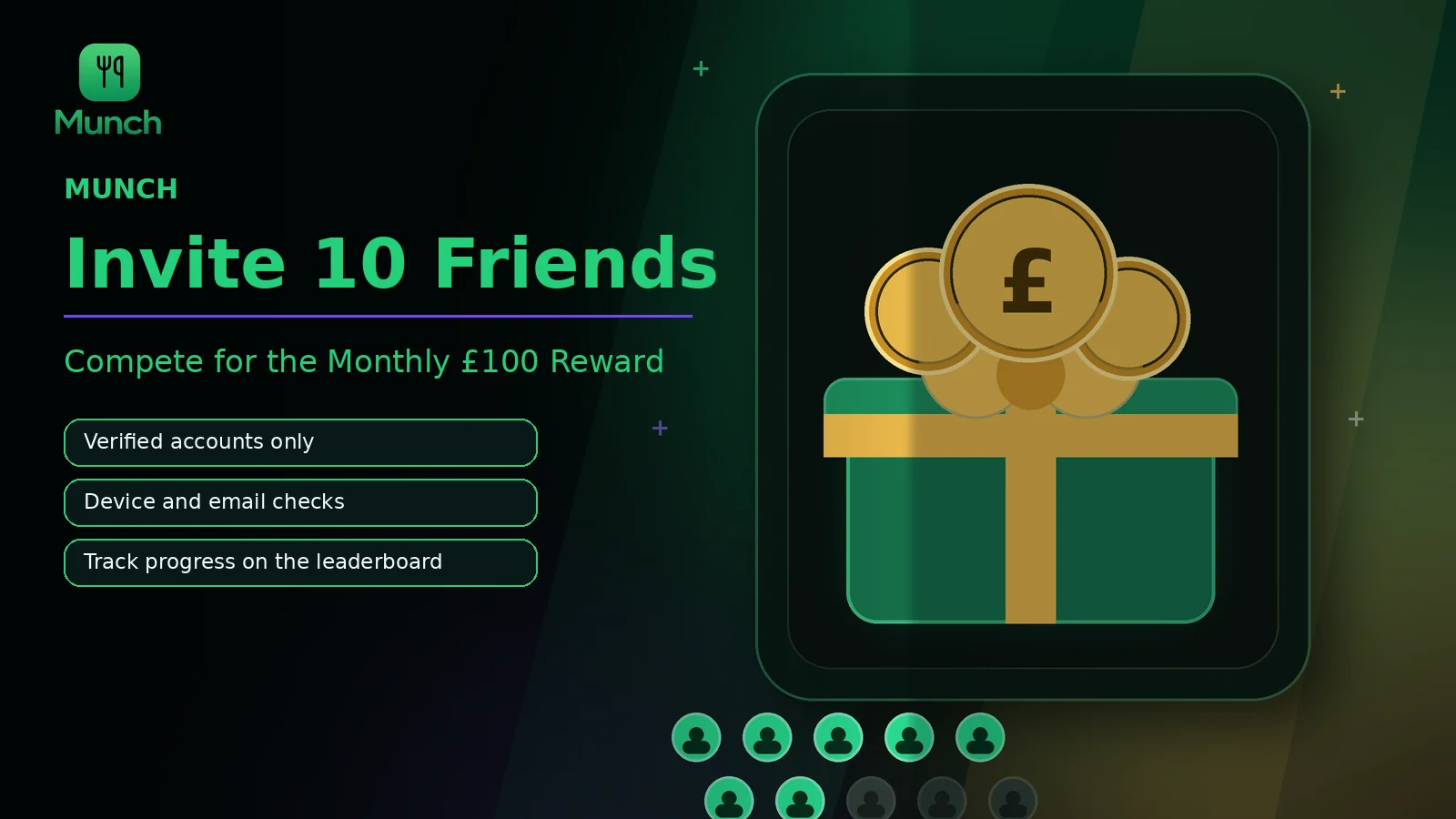
To participate in the MUNCH Referral Leaderboard, share the referral route with real new users and aim for 10 verified invitations during the active challenge period. A link click or incomplete account does not automatically count. The invited user must satisfy the current verification rules shown in the app.
MUNCH can review email, device and IP or network patterns to reduce duplicate, self-created or automated accounts. The £100 reward is a challenge reward subject to the current in-app rules, eligibility, verification and winner process. Users should confirm the live terms and official claim instructions rather than relying only on this article.
Key takeaways
- Ten invitations means ten verified eligible users, not ten clicks or ten unfinished registrations.
- Creating extra accounts for yourself or using repeated devices and identities can invalidate referrals.
- The leaderboard can change while verification checks are pending.
- Share honestly with people who are likely to use MUNCH rather than spamming unrelated communities.
- Confirm the current challenge period, eligibility and reward-claim process in the app.
Who this is for
The challenge is designed for genuine referrals. It is a poor fit for anyone looking for a loophole, automated sign-up method or guaranteed reward.
- Existing users who can explain why MUNCH is useful to friends or classmates.
- Community members willing to share transparently and respect platform rules.
- Users prepared to wait for verification before treating an invitation as final.
- Participants who can follow the official winner and reward-claim process.
- Anyone creating duplicate, self-referred or fabricated accounts.
- Users buying low-quality sign-ups, using bots or sharing misleading reward claims.
- Participants assuming 10 clicks guarantees £100.
- Anyone unwilling to review the current in-app terms and eligibility rules.
Download MUNCH free and use this feature
Use MUNCH to plan meals, track movement, access AI tools and stay connected to your routine in one app.
What counts as a verified MUNCH invitation
A referral is a new eligible user who completes the required process—not merely a person who opens a link.
The referral flow should connect the new account to the inviter and confirm that the account is genuinely new and eligible. The exact required steps belong in the live challenge rules because the product can change. Typical verification may include successful registration, valid email information, a supported device and completion of the defined onboarding or app activity.
A pending referral may appear before all checks are complete. Users should distinguish pending, verified and rejected states where the interface provides them. The leaderboard can move when pending accounts are approved or invalid activity is removed.
| Referral event | Likely status | Why it may not count yet |
|---|---|---|
| Link opened | Not verified | No eligible account has been completed |
| Account started | Pending or incomplete | Email, device or onboarding requirements may remain |
| Eligible user completes required process | Verified after checks | System still reviews authenticity and rule compliance |
| Duplicate or suspicious account pattern | Rejected or removed | May indicate self-referral, automation or repeated identity/device use |
How to invite 10 real users without spamming
Explain the app value, disclose the challenge and share with relevant people.
- 1
Open the current referral screen
Check the active challenge, your referral route, progress and official rules before sharing.
- 2
Choose relevant people
Share with friends, classmates, gym partners or communities that may genuinely value meal planning, fitness and student tools.
- 3
Explain MUNCH accurately
Describe free features and optional MUNCH+ without claiming that everyone receives the £100 reward.
- 4
Disclose your referral interest
Be transparent that the invitation can help your leaderboard progress.
- 5
Let the invited user decide
Do not pressure people, create accounts for them or request their verification credentials.
Use accurate wording
Say “Join MUNCH through my invite; verified referrals count towards the monthly challenge.” Do not say “Sign up and we both automatically get £100” unless the current rules explicitly state that.
How MUNCH can detect duplicate or unfair referrals
Verification uses multiple signals because one signal alone can be misleading.
Email information can identify repeated or invalid account patterns. Device signals can show many registrations originating from the same device. IP and network information can help identify unusual clusters, but shared university, household or public networks mean an IP alone should not automatically prove cheating.
A fair review considers the combination of account, device, timing and usage signals. Legitimate users may share Wi-Fi or a household, so the process should allow reasonable review rather than relying on a single automatic rule. Participants should not attempt to bypass checks; that behaviour itself can create more suspicious patterns.
- Repeated email or identity patterns.
- Multiple accounts created from the same device.
- Unusual IP, network or timing clusters.
- Accounts that do not complete the required eligible activity.
- Automation, purchased sign-ups or fabricated users.
Understand leaderboard position, pending checks and ties
A live-looking rank can still change before the challenge is finalised.
The leaderboard should display verified progress according to the current product design. Pending referrals may not contribute until approved, and invalid referrals can be removed. A participant should not assume an early first-place position is the final outcome.
The live rules should explain the challenge period, cut-off time, tie handling and winner verification. This article should not invent those details. Where the app does not state them clearly, the participant should use the official support or community channel before relying on an assumption.
| Rule area | Question to confirm | Why it matters |
|---|---|---|
| Challenge period | What date and time does the monthly challenge close? | Late referrals may belong to the next period |
| Eligibility | Who can participate and which invited users qualify? | Prevents invalid assumptions about location or account status |
| Tie handling | How are equal verified totals ranked? | Determines whether timing or another rule applies |
| Winner checks | What final verification occurs? | Leaderboard position may remain provisional |
| Reward claim | Which official channel and deadline apply? | Protects users from scams and missed claims |
How to handle the £100 reward safely
Use only the official process shown by MUNCH and verify communications before sharing information.
The current product may direct a verified winner to an official MUNCH channel, such as the official Instagram account, to complete the claim. Follow the exact live instruction. Do not respond to lookalike accounts or people requesting passwords, one-time codes or advance fees.
A legitimate reward process should not require the winner to pay to release the prize. Confirm the sender’s official identity and use the contact route displayed inside the MUNCH app or official website. Report suspicious messages rather than continuing the conversation.
- Use the official contact route shown in the live app.
- Verify the account identity before sharing any required claim information.
- Never share passwords or one-time login codes.
- Do not pay a fee to release a claimed reward.
- Complete the claim within the stated deadline where applicable.
Verified referral versus invalid referral activity
The challenge rewards real users who meet the rules, not the raw number of generated accounts.
| Behaviour | Likely interpretation | Better approach |
|---|---|---|
| Share with a real new user who completes the required process | Potentially eligible after verification | Explain MUNCH accurately and let the user control the account |
| Create several accounts yourself | Duplicate or self-referral risk | Invite genuine independent users |
| Buy registrations or use automation | Fraud or low-quality referral risk | Use transparent personal or community sharing |
| Use misleading “guaranteed £100” copy | Misrepresentation and complaint risk | State that verified referrals count towards a challenge |
| Ask for passwords or codes | Unsafe and inappropriate | Never control the invited user’s account |
Common mistakes to avoid
Counting link clicks or unfinished sign-ups as verified invitations.
Creating extra accounts for yourself or asking one person to register repeatedly.
Promising that every invited user or inviter automatically receives £100.
Buying registrations, using bots or sharing through misleading spam messages.
Posting invitees’ emails, device details or private verification screenshots publicly.
Action checklist
- 1Open the live referral screen and read the current challenge rules.
- 2Share the legitimate referral route with relevant real users.
- 3Describe free features, optional MUNCH+ and the challenge accurately.
- 4Wait for verified status rather than counting clicks.
- 5Avoid duplicate accounts, automation and attempts to bypass checks.
- 6Confirm final leaderboard, eligibility and reward-claim instructions.
Frequently asked questions
Do 10 invitations automatically guarantee the £100 MUNCH reward?
No. The challenge is based on verified eligible referrals and the current leaderboard rules, not merely ten link clicks. Referrals can remain pending or be rejected after checks. Confirm the live challenge period, eligibility, ranking and winner process inside MUNCH before assuming a reward is guaranteed.
What is a verified MUNCH referral?
A verified referral is a genuine eligible new user connected to the inviter who completes the required current process and passes authenticity checks. The exact steps belong in the live app rules. An opened link, duplicate account or unfinished registration does not automatically count.
Why does MUNCH check email, device and IP information?
Multiple signals help reduce duplicate, self-created, automated or purchased accounts so genuine participants are treated fairly. Shared networks can occur in households and universities, so one signal should be interpreted with context. Users should not attempt to bypass checks or control invited accounts.
Can I create accounts for friends to make sure they count?
No. Each invited user should create and control their own account, consent and verification. Do not request passwords or one-time codes. Creating accounts on behalf of others or repeatedly using the same device can appear as duplicate or manipulated activity and may invalidate referrals.
Related MUNCH guides
Use the pillar for the broad topic, then open the focused guide that matches your next decision.
Download MUNCH free and use this feature
Use MUNCH to plan meals, track movement, access AI tools and stay connected to your routine in one app.
About this guide
Written by the MUNCH Editorial Team using the current mobile app implementation, the supplied Search Console query data and the MUNCH SEO content framework. The page is reviewed whenever the feature, pricing or availability changes.