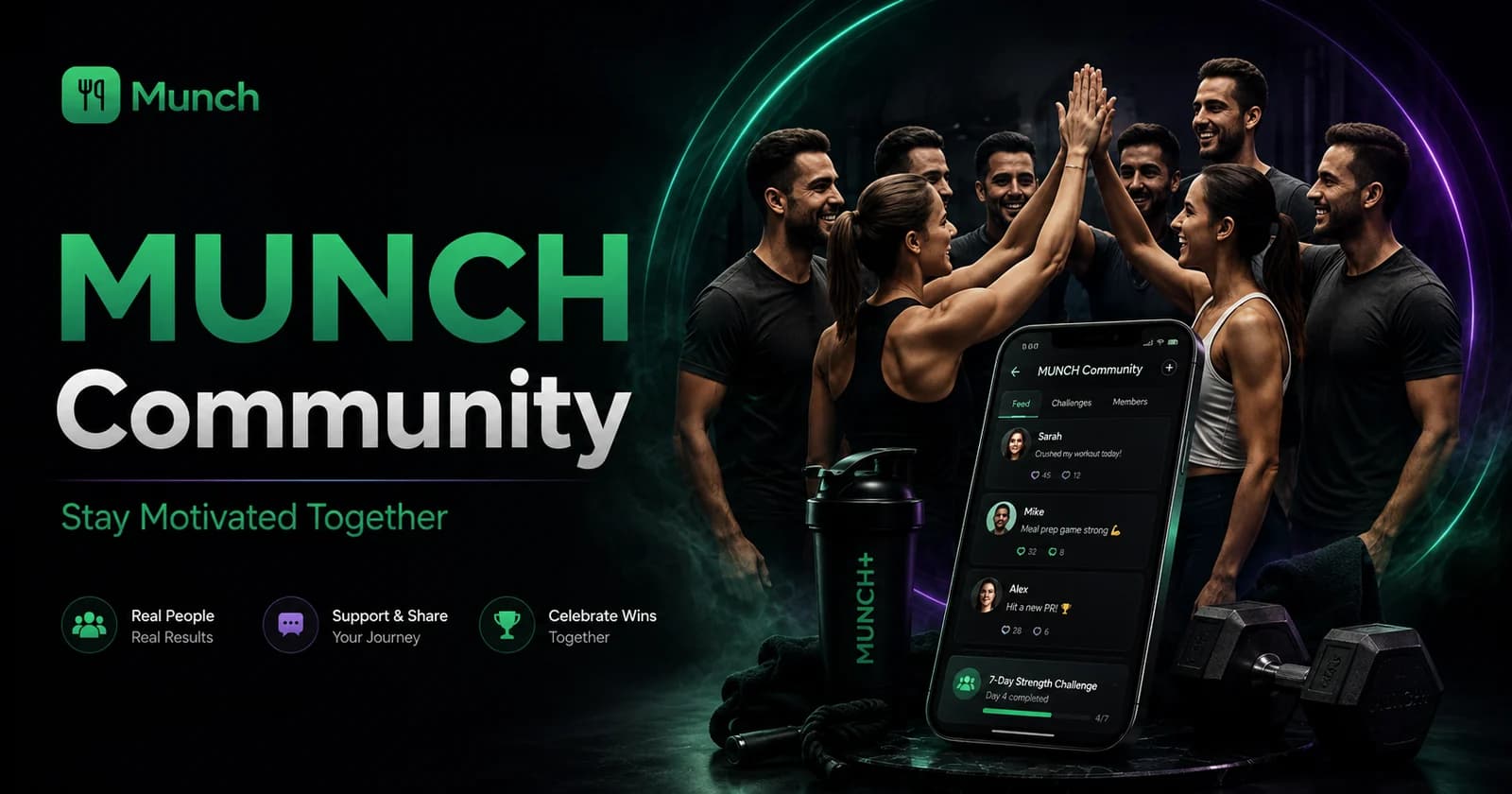
MUNCH Community is a free social feature for users who want to share progress, ask questions and stay connected to other people building meal, movement and fitness routines. Users can participate through community posts, reactions and global chat according to the current app controls.
Community advice is not automatically professional advice. Protect personal information, avoid sharing precise routes or private health details and report harmful or suspicious behaviour. For medical, injury or crisis concerns, use the appropriate qualified or emergency service rather than relying on a public chat.
Key takeaways
- Share the process, lesson or question—not only a perfect result image.
- Use reactions and comments to support behaviour without diagnosing or shaming other users.
- Protect location, timetable, booking and health information before posting screenshots.
- Use mute, block or report controls when content or behaviour becomes harmful.
- Community can support accountability but should not replace a qualified professional.
Who this is for
Community is useful for connection and accountability when users can participate without unhealthy comparison or pressure to reveal personal information.
- Students who want encouragement around meals, movement and workout consistency.
- Users willing to share practical lessons and support other people respectfully.
- People looking for accountability alongside MUNCH plans and tools.
- Users comfortable using moderation and privacy controls when needed.
- Anyone seeking diagnosis, treatment or emergency help from public posts.
- Users who feel social comparison is worsening their relationship with food or exercise.
- People intending to share another person’s image or private information without consent.
- Anyone using the community to sell unsafe products, harass users or manipulate referrals.
Download MUNCH free and use this feature
Use MUNCH to plan meals, track movement, access AI tools and stay connected to your routine in one app.
What to post in a student fitness community
Useful posts give enough context for support without exposing unnecessary personal data.
A progress post can describe the behaviour completed, the obstacle and the next target. “Completed two planned sessions during exam week and shortened them to fit the timetable” is more useful than a photo with no context. Meal posts can include a preparation lesson, ingredient swap or budget idea rather than an unsupported nutrition claim.
Questions should be specific and safe for a community answer. Ask how other students organise meal prep, remember workouts or use a feature. Do not ask strangers to diagnose symptoms, evaluate an injury from a photo or provide prescription-style advice.
- A completed meal, workout, walk or planning task.
- A practical lesson from a difficulty or missed goal.
- A specific question about routine or app use.
- A useful recipe, shopping or preparation idea with honest limitations.
- Encouragement that does not make medical or guaranteed-result claims.
How to write a progress post people can respond to
Use a simple format: action, context, lesson and next step.
- 1
Name the action
State what you completed: a planned meal, walk, workout, week of tracking or another specific behaviour.
- 2
Add useful context
Mention the challenge, schedule or feature involved without exposing private details.
- 3
Share one lesson
Explain what made the action easier or what you would change next time.
- 4
Set the next step
Choose a reasonable action that follows from the result rather than making a dramatic promise.
- 5
Check the image or screenshot
Remove routes, addresses, booking details, full names or private health information.
Better accountability
Post the behaviour you can repeat and the next action you control. Community praise should support the routine, not make the user dependent on public approval.
Protect privacy when sharing health and fitness progress
Screenshots and photos can reveal more than the user notices.
A Step Counter screenshot may reveal dates, activity patterns or routes. A gym photo may show a location, membership detail or another person. A consultation screenshot may include a specialist booking, health information or payment detail. Crop and review every image before posting.
Do not share another person’s image or personal information without permission. This includes screenshots of messages, referral emails and private progress data. The fact that content exists on the user’s phone does not automatically make it appropriate to publish.
| Content type | Possible exposure | Safer version |
|---|---|---|
| Step screenshot | Route, time pattern or location clue | Crop to the goal and total only |
| Meal photo | Address label, receipt, medication or private room detail | Use a clean crop and remove identifying items |
| Workout image | Gym location, other people or membership details | Obtain consent and hide identifying information |
| Consultation screenshot | Health, booking, payment or contact data | Share the general lesson without the private screen |
| Referral proof | Email addresses or account identifiers | Share verified progress total only where allowed |
Use community motivation without unhealthy comparison
Another user’s result does not establish the right goal, diet or training load for you.
Progress photos, step totals and workout numbers are incomplete. They do not show health, experience, time, genetics, professional support or what was omitted from the post. Compare your current routine with your previous routine rather than treating another person as a required standard.
Avoid competitive language around eating less, exercising through pain or maintaining a streak at any cost. The community should not reward unsafe restriction or overtraining. Encourage users to follow suitable plans and seek qualified support when needed.
- Praise consistency, preparation and honest problem-solving.
- Avoid ranking bodies, diets or health conditions.
- Do not recommend training through pain or serious symptoms.
- Do not present personal results as guaranteed for others.
- Use mute controls and breaks when comparison becomes harmful.
Use mute and report tools to keep the community useful
A healthy community needs boundaries as well as encouragement.
Mute or block users whose content you do not want to see, according to the current app controls. Report harassment, impersonation, scams, dangerous health claims, sexual content, threats or other material that violates the rules. Do not escalate by reposting harmful content widely.
Referral and reward messages deserve particular caution. An official winner process should not request passwords, authentication codes or advance payment. Report lookalike accounts and suspicious links rather than continuing privately.
- Mute content that harms focus or wellbeing.
- Block repeated harassment or unwanted contact where available.
- Report scams, impersonation and requests for credentials or money.
- Report dangerous medical claims and encouragement of self-harm or unsafe exercise.
- Use emergency services when a post indicates immediate danger rather than waiting only for moderation.
Community support versus specialist guidance
Both can be valuable, but public peer support and professional review have different roles.
| Area | MUNCH Community | Specialist consultation |
|---|---|---|
| Main value | Motivation, shared experience and routine ideas | Individual review within the professional’s stated scope |
| Evidence level | Personal experiences and peer discussion | Professional judgement based on the service and qualifications |
| Privacy | Public or community-visible according to the feature | Private booking context according to current service controls |
| Best questions | How others organise, prepare and stay consistent | Individual plan, barrier or concern requiring qualified review |
| Not suitable for | Diagnosis, treatment or emergency help | Emergency response unless explicitly an emergency service, which MUNCH is not |
Common mistakes to avoid
Sharing precise location, route, timetable, booking or health information in a public post.
Treating another user’s body, diet, step count or workout as the required standard.
Giving diagnosis, medication or injury advice without appropriate qualification and context.
Posting another person’s image, message or account details without permission.
Engaging with reward scams or unofficial accounts requesting credentials or payment.
Action checklist
- 1Write the action, context, lesson and next step.
- 2Remove location, booking, payment and health details from screenshots.
- 3Obtain permission before sharing another person’s image or message.
- 4Avoid diagnosis, guarantees and unsafe comparison language.
- 5Use mute, block and report tools when needed.
- 6Move professional questions to the appropriate consultation or healthcare route.
Frequently asked questions
Is MUNCH Community a free student fitness community app in the UK?
Yes, MUNCH Community is a free feature inside the MUNCH app for global chat, posts, reactions and progress sharing. Availability and controls can change with app updates. Community content is peer discussion and should not be treated as automatic professional or medical advice.
What can I post in MUNCH Community?
Share suitable progress updates, meal ideas, workout wins, routine questions and practical lessons according to the current community rules. Remove sensitive personal information, obtain consent before posting another person and avoid medical diagnosis, harassment, scams or guaranteed-result claims.
How do I share a Step Counter screenshot safely?
Crop the screenshot to the metric you want to share and remove routes, maps, precise times, addresses or other location clues. Check notifications and account details are hidden. A progress total can be motivating without revealing where or when the activity occurred.
Can community members give me nutrition or injury advice?
Members can share general experiences, but a public comment cannot diagnose an injury, allergy, intolerance or medical condition. Use qualified professional advice for individual clinical questions and the appropriate emergency route for urgent symptoms. Do not train or eat against medical guidance because of a community reply.
Sources and further reading
These sources support the general nutrition, activity or safety context. MUNCH feature details come from the current app implementation.
Related MUNCH guides
Use the pillar for the broad topic, then open the focused guide that matches your next decision.
Download MUNCH free and use this feature
Use MUNCH to plan meals, track movement, access AI tools and stay connected to your routine in one app.
About this guide
Written by the MUNCH Editorial Team using the current mobile app implementation, the supplied Search Console query data and the MUNCH SEO content framework. The page is reviewed whenever the feature, pricing or availability changes.