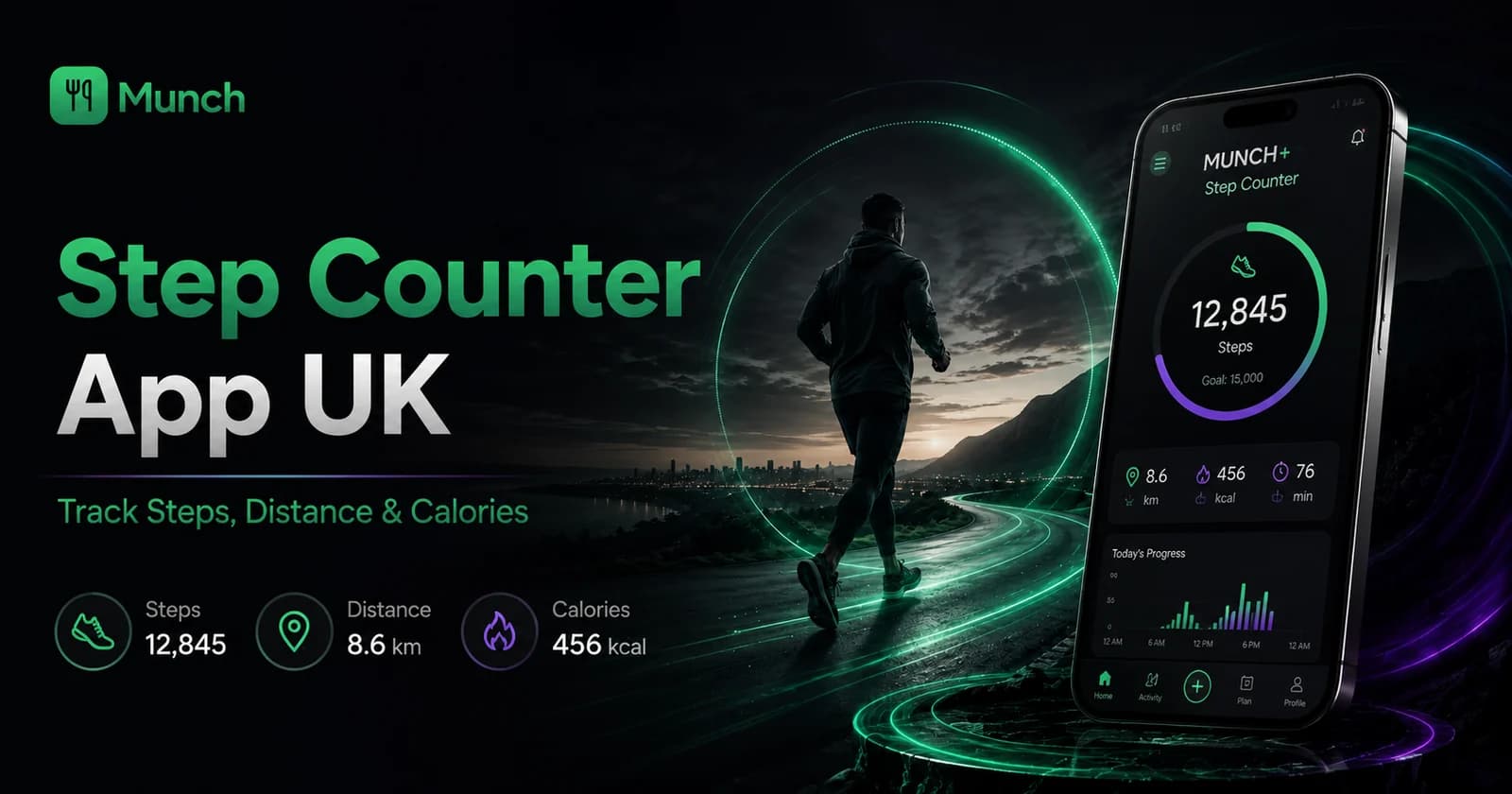
The MUNCH Step Counter is a free feature for iOS and Android. After the user grants the required health permissions, MUNCH can display supported step, distance and active-calorie data, show progress towards a daily goal and help users review streaks and weekly, monthly or longer-term patterns.
Phone-based activity estimates are useful for routine awareness, not medical measurement. Counts can differ between devices, carrying habits and data sources. MUNCH should not claim that an active-calorie estimate is exact or use steps as a replacement for all strength, mobility or cardiovascular exercise.
Key takeaways
- MUNCH uses the user’s supported device health data rather than asking users to enter every walk manually.
- iPhone data comes through Apple Health; Android data comes through Health Connect when supported and permitted.
- Steps, distance and active calories are related but different measures and may not update identically.
- A realistic personal goal is more useful than copying another user’s number.
- Streaks should support consistency without encouraging unsafe activity during illness or injury.
Who this is for
This feature is for everyday movement awareness. It works best when the phone or connected source records activity consistently and the user understands that consumer estimates have limits.
- Students and busy users who want a simple daily movement view.
- People already using Apple Health or Android Health Connect.
- Users motivated by goals, streaks and weekly trends.
- Anyone who wants walking data beside meal, workout and community tools.
- Anyone needing clinical-grade gait, calorie or rehabilitation measurement.
- Users unwilling to grant the relevant health-data permissions.
- People whose phone is not carried during most walking activity.
- Anyone using step goals to ignore illness, injury, pain or professional advice.
Download MUNCH free and use this feature
Use MUNCH to plan meals, track movement, access AI tools and stay connected to your routine in one app.
How the MUNCH step counter gets activity data
MUNCH displays supported records from the platform health system after permission is granted.
On iPhone, Apple Health can collect activity information from the phone, Apple Watch and compatible apps or devices. On supported Android devices, Health Connect provides a central permission-based system for health and fitness data. MUNCH requests the specific access required for its Step Counter experience and reads the available records.
The app is not creating every step independently when a platform health source is used. That distinction matters because missing or delayed data can come from device permissions, source priority, battery settings, phone-carrying habits or synchronization—not necessarily from the MUNCH interface itself.
| Platform | Primary data route | What the user controls | Common reason for missing data |
|---|---|---|---|
| iOS | Apple Health | Health permissions and connected sources | Permission denied, phone not carried or source not recording |
| Android | Health Connect | App permissions and connected data providers | Health Connect unavailable, permission denied or provider not syncing |
| Both | MUNCH activity interface | Goals, app use and permission choices | Delayed health synchronization or unsupported record type |
Understand steps, distance and active calories
The three numbers answer different questions and should not be treated as equally precise.
Steps count recorded walking-style events. Walking distance estimates how far that activity covered, based on the available device data and calculations. Active calories estimate energy attributed to activity beyond basic resting needs. Each measure can vary depending on the source and personal data available to the platform.
A user may see steps update before another metric, or small differences between the phone, watch and MUNCH. Avoid adding values from multiple screens unless you understand whether they represent the same underlying record. The purpose of the MUNCH view is to make the trend convenient, not to claim laboratory accuracy.
- Steps: a count of recorded walking-style movement events.
- Distance: an estimate of ground covered from the available activity data.
- Active calories: an estimate influenced by data source and personal information.
- Goal progress: a motivational comparison with the user’s chosen daily target.
- Streak: consecutive goal or activity behaviour defined by the feature.
How to set a step goal that supports real life
Start from a personal baseline and increase gradually when appropriate.
- 1
Measure a normal week
Use several ordinary days to understand current movement rather than choosing a goal from social media.
- 2
Choose a realistic first target
Set a number that encourages additional movement but remains achievable alongside study, work and recovery.
- 3
Plan where the steps will happen
Use walks to lectures, transport stops, shopping or short breaks instead of depending on a late-night catch-up.
- 4
Review the weekly pattern
Look for consistently low days and decide whether the schedule, weather, illness or device recording explains them.
- 5
Increase only when the current goal is stable
A gradual change is easier to repeat than a large jump motivated by one strong day.
There is no universal perfect step target
A step goal should reflect health, mobility, current activity, schedule and professional advice. The app should support behaviour, not shame users whose circumstances differ.
Use daily, weekly and monthly trends without obsessing over one day
Longer views show routine; individual days often show circumstances.
A daily number is useful for immediate feedback, but it is vulnerable to weather, travel, illness, classes and whether the phone was carried. Weekly and monthly views show whether movement is becoming part of the routine. Use them to identify patterns, not to punish a single low day.
Streaks can be motivating when they reward a reasonable behaviour. They become unhelpful when the user walks through pain, sacrifices sleep or performs unsafe late activity to protect the badge. A broken streak does not erase the activity completed before it.
- Daily view for today’s progress and practical next step.
- Weekly view for timetable patterns and consistency.
- Monthly view for broader routine change.
- Yearly or longer view for seasonality and sustained habits where available.
- Context notes for travel, illness, exams or device changes.
Combine the Step Counter with workouts, AI Coach and Community
Walking data becomes more useful when it supports the wider routine without replacing planned training.
Use the step trend beside the workout plan. A hard training day and a high-step day may increase overall fatigue, while a low-movement rest day may be intentional. The user should interpret activity in context rather than treating every number as a separate target to maximise.
Ask MUNCH AI Coach for practical ways to add movement around the user’s schedule, such as a walk between lectures or after a meal. AI suggestions should remain general and should not override medical advice or mobility limitations.
Step counter versus a complete fitness plan
Steps measure everyday movement; a complete plan can also include strength, skill, recovery and nutrition.
| Area | Step Counter | Workout or Performance plan |
|---|---|---|
| Main purpose | Track everyday walking-style movement | Organise structured exercises and progression |
| Primary metrics | Steps, distance, active calories, goal and streak | Exercises, sets, repetitions, load, completion and recovery |
| Strength development | Not measured directly | Included in suitable workout systems |
| Best use | Movement awareness and routine prompts | Specific fitness and performance goals |
| Relationship | Supports daily activity around the plan | Should not be replaced by a step target |
Common mistakes to avoid
Assuming active-calorie estimates are exact enough to determine precise food intake.
Comparing step totals from different devices without checking whether the phone was carried or sources differ.
Walking through illness, pain or injury only to preserve a streak.
Treating a high step count as a replacement for strength training or other suitable activity.
Sharing screenshots that reveal sensitive routes, times or location information.
Action checklist
- 1Download MUNCH and open the Step Counter feature.
- 2Grant only the relevant Apple Health or Health Connect permissions.
- 3Confirm the platform health source contains activity data.
- 4Measure a normal baseline before setting an ambitious goal.
- 5Review weekly and monthly trends instead of judging one day.
- 6Combine walking with suitable workouts, recovery and nutrition.
Frequently asked questions
Is the MUNCH Step Counter app free in the UK?
Yes, the Step Counter is a free feature inside the MUNCH app on supported iOS and Android devices. It reads supported activity data after permission is granted. The separate MUNCH+ Performance Center subscription is not required simply to view the free Step Counter feature.
Does MUNCH count steps on iPhone and Android?
MUNCH uses supported platform health data: Apple Health on iPhone and Health Connect on Android. Availability depends on the device, operating system, connected source and permissions. If the health platform has not recorded the activity, MUNCH cannot display it.
Why is my step count different from another app?
Apps can use different data sources, algorithms, update times and source-priority rules. A phone, watch and health platform may also record different periods. Compare the source and final synchronized daily total before assuming one number is wrong, and carry the recording device consistently.
Are active calories in a step counter accurate?
Active calories are estimates, not laboratory measurements. The value can depend on device data, personal information and the platform algorithm. Use it as a broad activity trend, not a precise instruction to eat or burn a specific number of calories.
Sources and further reading
These sources support the general nutrition, activity or safety context. MUNCH feature details come from the current app implementation.
- Apple Health User GuideHow iPhone Health can collect and display activity information such as steps and walking distance.
- Android Health Connect activity dataOfficial Android documentation for activity data types, including steps and distance.
- NHS physical activity guidelines for adultsGeneral activity, strength and sedentary-time guidance for adults aged 19 to 64.
Related MUNCH guides
Use the pillar for the broad topic, then open the focused guide that matches your next decision.
Download MUNCH free and use this feature
Use MUNCH to plan meals, track movement, access AI tools and stay connected to your routine in one app.
About this guide
Written by the MUNCH Editorial Team using the current mobile app implementation, the supplied Search Console query data and the MUNCH SEO content framework. The page is reviewed whenever the feature, pricing or availability changes.