A beginner workout planner should reduce decisions, not create more of them. Start with a realistic weekly schedule, available equipment and a clear goal, then use a plan that tells you what session comes next. MUNCH+ uses an assessment before selecting and generating a structured workout system, so a beginner does not have to design a split from scratch.
This guide focuses specifically on workout planner app for beginners UK. It explains the decision framework, what the current MUNCH app supports, common mistakes and the next step without duplicating the broader workout-planning pillar.
Key takeaways
- Beginners usually need clarity more than an enormous exercise library.
- Choose a schedule you can repeat and an experience level that reflects where you are now.
- The MUNCH+ assessment can use goal, level, schedule and equipment before choosing workout days, exercises and progression.
- Exercise technique and appropriate loading matter more than racing through progression.
- This cluster owns beginner-starting intent and links to the broad workout-planning pillar for app comparisons.
Who this is for
This guide is for a first or early gym phase: you want structure, but you do not yet want to become your own programme designer. It focuses on starting decisions—goal, days, equipment, exercise order and tracking—without overlapping the broad “best workout planning app” comparison.
- People starting resistance training who feel overwhelmed by exercise choices.
- Users returning after a long break who want a simpler starting structure.
- Students or busy adults who need a realistic number of weekly sessions.
- MUNCH users who want an assessment-led MUNCH+ workout system.
- Anyone with an injury or condition requiring individual clinical exercise guidance.
- Advanced lifters looking for detailed sport-specific periodisation.
- People who want live form correction from a coach during every set.
- Anyone expecting an app to guarantee a transformation without consistent training.
Build your plan in MUNCH
Download MUNCH on iOS or Android. Core app tools are free to access, while MUNCH+ unlocks the Performance Center for £1.99 per month. Specialist consultations are separate.
What beginners actually need from a workout planner
A good beginner plan removes uncertainty while leaving room to learn technique and build consistency.
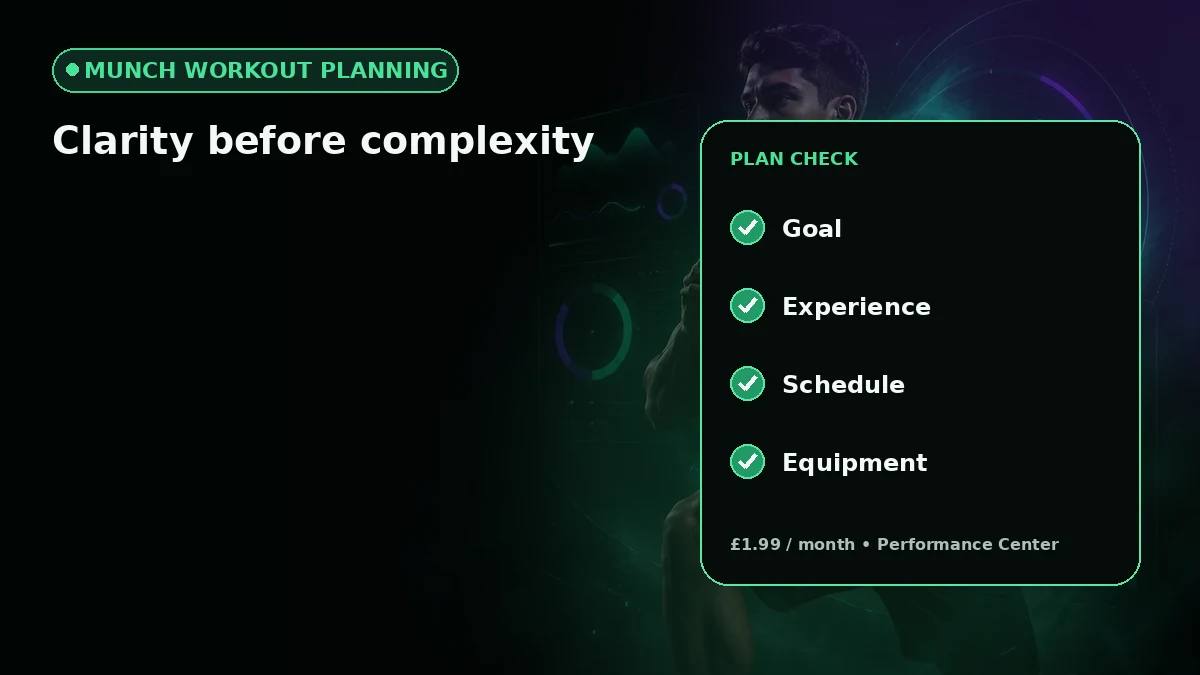
The first job of a workout planner is to make the next action obvious. A beginner should be able to open the plan and understand which session to do, which exercises are included, and the basic sets and reps. Endless customisation can be useful later, but at the start it often creates extra choices before you have enough training experience to judge them.
A beginner plan also needs a realistic frequency. If you can reliably protect three days, building a five-day schedule because it looks more advanced usually creates unnecessary friction. Start with the week you actually have. Consistency creates the data that allows later decisions to be better.
- Clear next session
- Realistic training frequency
- Exercises matched to available equipment
- Sets and reps that are easy to read
- A way to record completion and useful notes
Why the MUNCH+ assessment matters for a beginner plan
The assessment is designed to collect the inputs that change the structure of the workout.
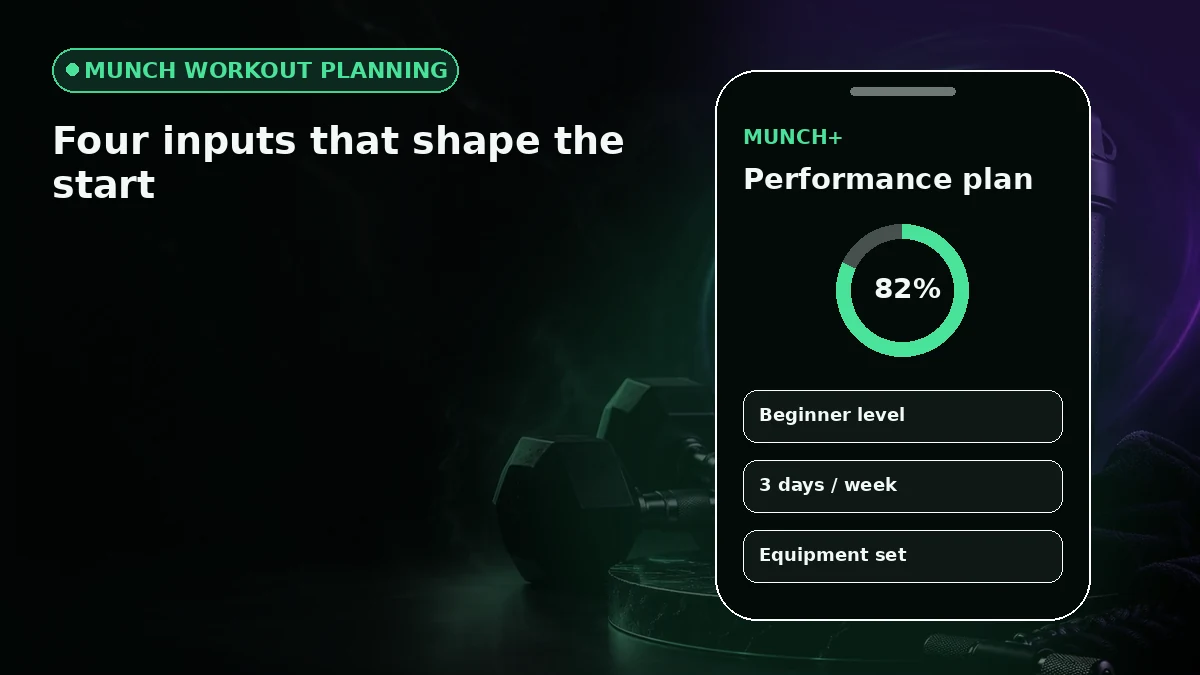
In the current MUNCH+ Performance flow, workout assessment fields include goals, experience, schedule and equipment-related information. The app states that it can choose the split, workout days, equipment needs, exercises and progression based on those inputs. That is useful for beginners because the setup begins with context rather than a random template.
Answer conservatively and accurately. If you are new to the gym, choosing an advanced experience level does not make the plan more effective. If you only have basic equipment, say so. Good personalisation begins with good input, and the most sophisticated planner cannot compensate for information that does not describe your real situation.
- 1
Pick one primary training goal
Use the goal that should influence the next block rather than trying to optimise for every outcome at once.
- 2
Set your true experience level
Choose the level that reflects current training experience, especially after a long break.
- 3
Confirm your weekly availability
Use the days you can repeatedly protect instead of an ideal week.
- 4
Confirm equipment access
Make sure the plan can be performed where you actually train.
- 5
Review before starting
Read the selected system and session structure before treating the recommendation as fixed.
How to approach your first weeks without chasing complexity
The first weeks are a chance to learn the exercises, build the routine and create a reliable training record.
A beginner often improves quickly simply because movements become more familiar. That does not mean every session should become heavier or longer. Follow the programme’s progression rules, prioritise controlled technique, and treat rest periods and recovery as part of the plan.
Use the tracker to remember what happened. If an exercise felt awkward, note it. If the same slot is repeatedly missed, note that too. The point of tracking is not to collect impressive numbers; it is to reduce guessing the next time you open the app.
| Stage | Main focus | Useful signal | Avoid |
|---|---|---|---|
| Setup | Goal, schedule, equipment | Plan fits real week | Choosing advanced options for status |
| First sessions | Technique and exercise familiarity | Sessions completed as planned | Testing maximums immediately |
| Early progression | Follow programme progression rules | Comparable sets/reps improve over time | Changing exercises every session |
| Review | Check adherence and pain-free execution | Schedule is sustainable | Rewriting the whole plan after one bad day |
How to choose a beginner workout app without falling for the longest feature list
Match the app to the beginner problem you actually need solved.
If your problem is “I do not know what to do when I arrive,” prioritise structured programming over social features. If your problem is remembering weights, prioritise fast logging. If you need both, look for a planner that connects the programme, session and history.
Current fitness-app search results often separate trackers from planners: some apps are strong logbooks for users who already know their programme, while others generate or provide structured programmes. That distinction matters more to a beginner than the number of exercises advertised. Start by choosing the type of guidance you need, then compare price and platform support.
- Does the app create or provide a plan, or only log one?
- Can it match equipment and schedule?
- Can you understand the next session in seconds?
- Can you record completion without excessive taps?
- Does it explain its paid features clearly?
Beginner workout-planning options compared
| Option | What it gives you | Main limitation | Best for |
|---|---|---|---|
| Generic workout list | Immediate exercise ideas | Little adaptation to schedule or equipment | Someone sampling exercises |
| Workout logger | History of sets and sessions | You may need to bring your own programme | Beginner with a coach-written plan |
| Class library | Follow-along instruction | May not build a long-term strength progression | Someone who prefers guided classes |
| MUNCH+ Performance Center | Assessment-led system, workout days, exercises, progression and tracking | £1.99/month; not live personal training | Beginner who wants a structured plan in the app |
Common mistakes to avoid
Choosing an advanced experience level because you want faster results.
Planning more days than you can repeatedly train.
Changing exercises before you have learned the current movement.
Increasing load when technique or range of motion is deteriorating.
Treating soreness as a required sign that the plan worked.
Using an app instead of qualified advice when pain or a medical condition changes what exercise is appropriate.
Action checklist
- 1Choose one primary training goal for the next block.
- 2Set a realistic weekly schedule.
- 3Confirm equipment before generating or selecting a plan.
- 4Read the first session before arriving at the gym.
- 5Log completion and simple notes after each session.
- 6Review several sessions before changing the plan.
Frequently asked questions
What should a workout planner app for beginners include?
A beginner workout planner should make the next session clear, match the user’s schedule and equipment, show understandable sets and reps, and provide a simple way to record completion. A beginner usually benefits more from structured direction and consistency than from a huge library of advanced features or constant programme changes.
Does MUNCH have a beginner workout planning flow?
MUNCH+ Performance Center starts with an assessment that can use goal, experience, schedule and equipment-related inputs. The current app says it can choose workout days, split, equipment needs, exercises and progression from that context. MUNCH is free to download; Performance Center access is £1.99 per month.
How many gym days should a beginner choose?
There is no single correct number for everyone. Choose a frequency that the programme supports and that you can repeat around recovery, work, study and other commitments. More days are not automatically better. If the schedule causes repeated missed sessions, the plan may need to become simpler rather than more ambitious.
Can a beginner workout app replace a personal trainer?
An app can organise a programme, record training and reduce day-to-day decisions, but it cannot provide the same live observation, hands-on coaching or clinical assessment as a qualified professional. If you are unsure about technique, have an injury or need individual medical guidance, get appropriate in-person or professional support.
Sources and further reading
These sources support the general nutrition, activity or safety context. MUNCH feature details come from the current app implementation.
Related MUNCH guides
Use the pillar for the broad topic, then open the focused guide that matches your next decision.
Build your plan in MUNCH
Download MUNCH on iOS or Android. Core app tools are free to access, while MUNCH+ unlocks the Performance Center for £1.99 per month. Specialist consultations are separate.
About this guide
Written by the MUNCH Editorial Team using the current mobile app implementation, the supplied Search Console query data and the MUNCH SEO content framework. The page is reviewed whenever the feature, pricing or availability changes.