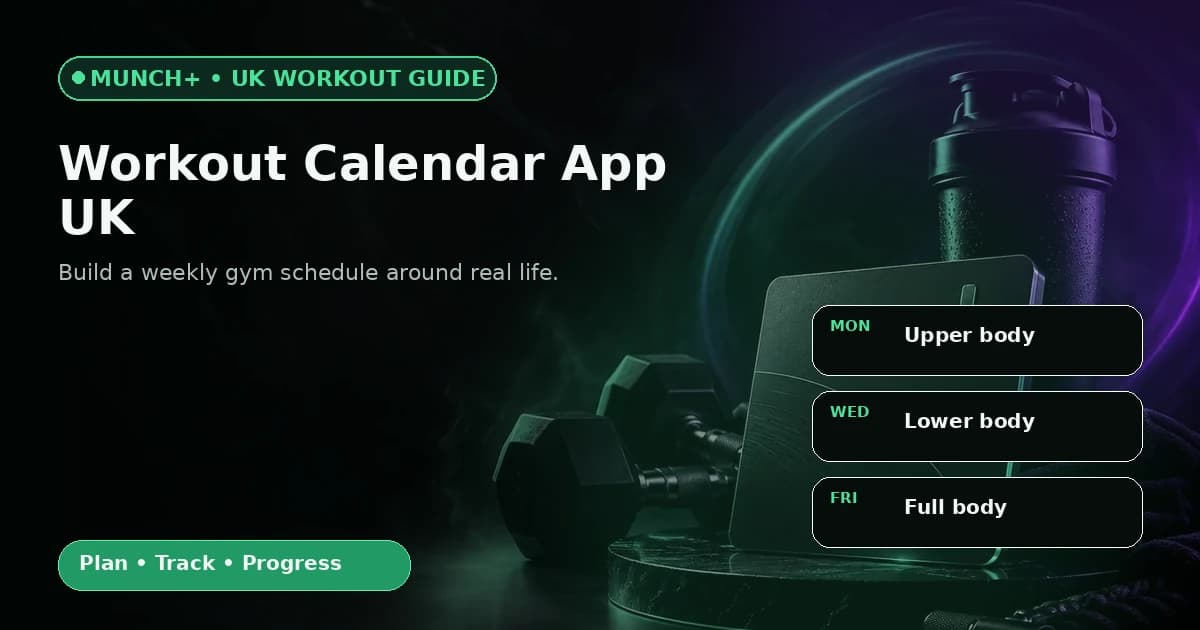
A workout calendar app should answer three practical questions: what am I training, on which day, and what happens if the week changes? The strongest schedule is not the one with the most sessions; it is the one you can repeat without constantly restarting.
Inside the MUNCH+ Performance Center, the assessment can factor in your goal, level and schedule when a workout system is selected. The generated plan can show workout days and progression, while the plan view records completion. Use the calendar as a commitment tool rather than a promise of a specific result.
Key takeaways
- Combine training and recovery days in one weekly view instead of planning each workout in isolation.
- Choose a realistic number of sessions before choosing a complicated split.
- If a session is missed, protect the shape of the week instead of cramming every session into the next two days.
- Use completed sessions and notes to review whether the schedule is actually sustainable.
- Keep the broad “best workout planning app” decision on the pillar page; this guide owns calendar and scheduling intent.
Who this is for
This guide is for people whose main problem is fitting workouts into a normal week. It is deliberately narrower than our main workout-planning guide: the focus here is scheduling, not comparing every app or choosing a specific training system.
- People who know they want to train but repeatedly lose track of which day is for what.
- Gym beginners who need fewer decisions before each session.
- Busy users who need training days to fit around work, study or family commitments.
- MUNCH+ users who want the assessment, selected system and plan schedule in one workflow.
- Anyone needing injury rehabilitation or clinician-led return-to-exercise planning.
- People looking only for a workout timer or live class timetable.
- Users who already follow a coach-managed calendar and only need a basic exercise log.
- Anyone trying to compensate for missed sessions by doubling volume without considering recovery.
Build your plan in MUNCH
Download MUNCH on iOS or Android. Core app tools are free to access, while MUNCH+ unlocks the Performance Center for £1.99 per month. Specialist consultations are separate.
Why a workout calendar works better than a list of exercises
A useful calendar connects the workout itself to a repeatable place in your week.
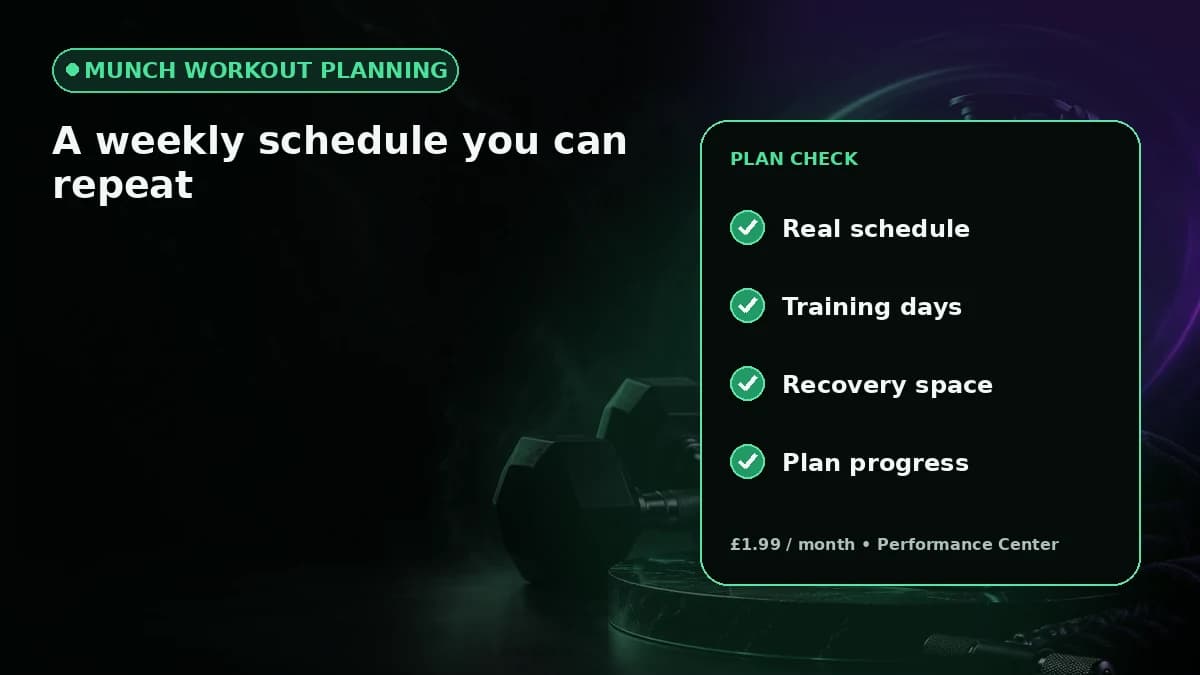
A list of exercises can be technically correct and still fail in real life. If the plan does not say when the session belongs, the decision is pushed into the busiest part of the day: “Do I train now, later, or tomorrow?” A calendar removes part of that friction by reserving a slot before motivation becomes the deciding factor.
The key is to plan the week from constraints outward. Start with days you genuinely cannot train, then identify the sessions that matter most. Keep recovery space between demanding sessions where possible. The NHS recommends regular strengthening activity as part of an overall activity routine, but it does not require every person to use the same split or number of gym days.
- Put the hardest-to-move commitments on the calendar first.
- Give every planned session a purpose, not just a day number.
- Leave room for recovery and ordinary life.
- Review the schedule after several weeks rather than redesigning it after one imperfect day.
How MUNCH turns assessment answers into a training schedule
The current Performance Center is designed to choose workout days, exercises and progression from assessment inputs rather than making you assemble everything manually.
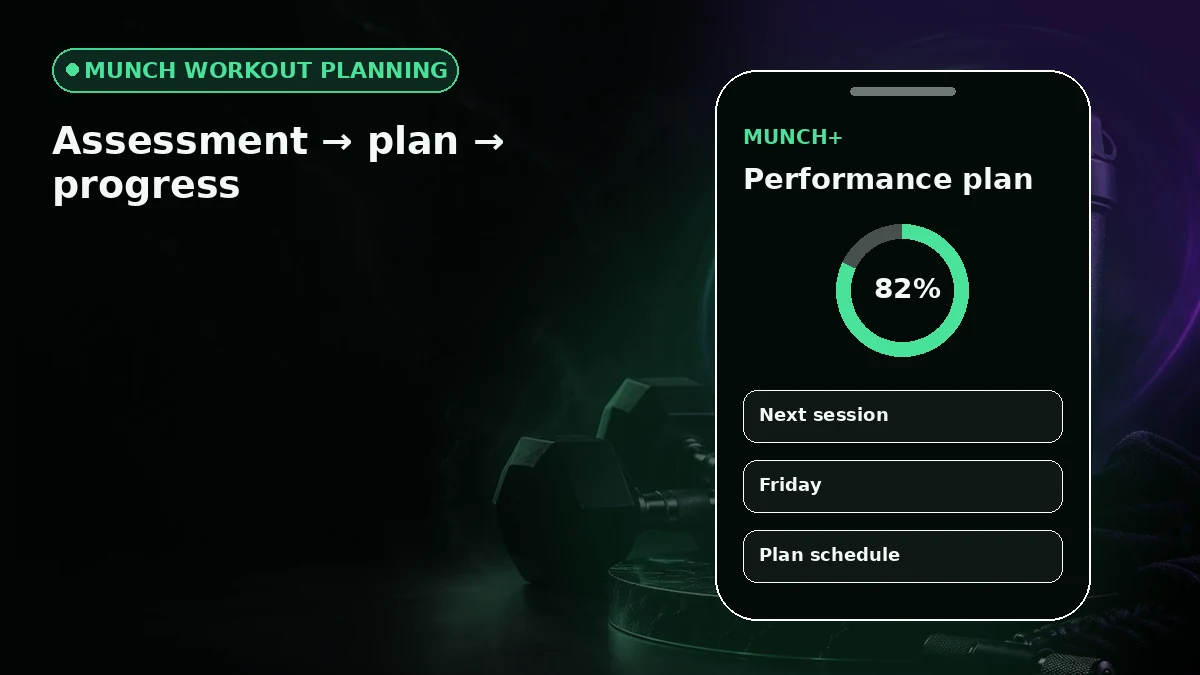
In the MUNCH+ performance assessment, the workout flow considers goal, experience, schedule and equipment. The app can then select a workout system and organise workout days, exercises and progression. That is different from a blank calendar where the user must already know how to program training.
Once a plan exists, the plan view keeps the schedule, exercise details and completion state together. That matters because a calendar is more useful when it is connected to the actual session instead of living in a separate productivity app. It also gives you a clearer place to notice whether the planned frequency is realistic.
- 1
Answer for your real week
Choose a schedule you can sustain now, not the maximum number of sessions you could imagine doing.
- 2
Review the selected structure
Check the planned days, exercise demands and equipment before treating the calendar as fixed.
- 3
Start the plan
Use the plan schedule to see where you are in the training block and which session comes next.
- 4
Record completion
Mark work as completed and use notes where useful so the schedule becomes a record, not only a prediction.
How many workout days should you schedule?
The right frequency depends on the plan, experience, recovery and how much time you can repeat consistently.
Two or three well-placed sessions can be more useful than five sessions that regularly collide with work or study. Frequency is not a score. It is one variable inside a programme. A beginner may benefit from fewer sessions with clearer full-body practice, while someone with more experience may use a split across more days.
Before increasing frequency, ask whether the current plan is being completed with reasonable recovery. If your schedule constantly causes late-night sessions, skipped warm-ups or back-to-back hard days, the calendar is giving you useful information: the plan may need to fit your life better.
| Weekly pattern | Scheduling priority | Common risk | Better calendar question |
|---|---|---|---|
| 2 days | Protect two dependable slots | Trying to fit too much into each session | Which two days can I repeat most weeks? |
| 3 days | Space sessions across the week | Moving all three sessions together after one missed day | Where can recovery days sit naturally? |
| 4+ days | Keep split order and recovery visible | Treating every day as equally hard | Which sessions are high demand and which are easier to move? |
What to do when you miss a scheduled workout
A calendar should help you recover the week without turning one missed session into five rushed decisions.
First, identify whether the missed workout can move without creating a poor sequence. If moving it would place two demanding sessions together, keeping the next planned session and accepting one missed day may be the better organisational choice. The exact decision depends on the programme.
Second, record what happened. If the same day is missed repeatedly, the issue may not be motivation; that slot may simply be unrealistic. Move the recurring session to a better day during the next planning review. A useful workout scheduler becomes more accurate as it learns from actual behaviour.
- Do not punish a missed session with an unplanned volume spike.
- Preserve the programme order when possible.
- Use repeated misses as evidence that the calendar needs adjustment.
- If pain or illness caused the miss, recovery and appropriate advice take priority over catching up.
Workout calendar options compared
| Approach | Good for | Weak point | Best fit |
|---|---|---|---|
| Phone calendar | Blocking time quickly | No workout details or progression context | Someone with an existing coach-written programme |
| Simple workout log | Recording sets and sessions | May not organise the week for you | Experienced lifter with a stable routine |
| Workout planner + calendar | Linking schedule to sessions and progress | Requires honest setup and regular use | Someone who wants planning and follow-through in one place |
| MUNCH+ Performance Center | Assessment-led workout system, schedule and progress workflow | Paid Performance Center; not medical coaching | Users who want a structured MUNCH training system |
Common mistakes to avoid
Scheduling the maximum number of gym days because it sounds more serious.
Building a calendar without checking equipment, commute time or session length.
Treating one missed workout as a reason to abandon the whole week.
Moving sessions around without considering the order and recovery built into the programme.
Using the calendar as proof that a result is guaranteed instead of as an organisation tool.
Action checklist
- 1Choose the number of weekly sessions you can realistically protect.
- 2Block immovable commitments before placing workouts.
- 3Review the workout system and equipment needed for each day.
- 4Record completion and notes rather than relying on memory.
- 5After several weeks, change recurring problem slots instead of changing the entire programme.
Frequently asked questions
What is a workout calendar app?
A workout calendar app organises training sessions by day so you can see what is planned, what has been completed and what comes next. Some tools only block time, while others connect the calendar to exercises, sets, progression and workout history. Choose based on whether you need scheduling only or a full planning workflow.
Is a workout calendar app UK users can use available in MUNCH?
MUNCH includes plan scheduling inside its workout and MUNCH+ Performance workflows. The assessment can use your schedule alongside goals, experience and equipment, and the plan view can show workout days and progress. The app is free to download; MUNCH+ Performance Center access is £1.99 per month.
Is a workout scheduler app the same as a workout tracker?
Not exactly. A scheduler answers when a session should happen, while a tracker records what happened during or after the session. The most useful setup for many people connects both: plan the day, complete the workout, record useful details and review whether the schedule is sustainable.
Should I reschedule every missed workout?
No. Moving every missed workout can create a crowded sequence that does not match the original programme. Check what the next session is, how demanding the sessions are and whether recovery is affected. If a day is missed repeatedly, update the recurring schedule rather than constantly rearranging one week.
Sources and further reading
These sources support the general nutrition, activity or safety context. MUNCH feature details come from the current app implementation.
Related MUNCH guides
Use the pillar for the broad topic, then open the focused guide that matches your next decision.
Build your plan in MUNCH
Download MUNCH on iOS or Android. Core app tools are free to access, while MUNCH+ unlocks the Performance Center for £1.99 per month. Specialist consultations are separate.
About this guide
Written by the MUNCH Editorial Team using the current mobile app implementation, the supplied Search Console query data and the MUNCH SEO content framework. The page is reviewed whenever the feature, pricing or availability changes.