A gym progress tracker is most useful when it records information that changes the next training decision. For strength work, that can include completed sets, reps, load, session completion and short notes about difficulty or pain. MUNCH can keep planned exercises, completed sets and plan progress connected rather than forcing you to remember everything after the session.
This guide focuses specifically on gym progress tracker app UK. It explains the decision framework, what the current MUNCH app supports, common mistakes and the next step without duplicating the broader workout-planning pillar.
Key takeaways
- Track enough detail to compare sessions, but not so much that logging becomes harder than training.
- MUNCH workout views support planned sets and reps, completed-set tracking, workout completion and notes that can include weights used, difficulty, pain or progress.
- Progress is a pattern across multiple sessions, not a single personal best or scale reading.
- A tracker cannot diagnose pain or tell you that an injury is safe to train through.
- This page owns gym-progress tracking intent; the main pillar owns the broader workout-app comparison.
Who this is for
Use this guide when the main question is “Am I actually progressing?” rather than “Which workout app should I download?” The goal is to make logging useful enough to support the next decision without turning the session into data entry.
- People following a repeatable gym programme who want a reliable training record.
- Beginners who forget what they did in the previous session.
- MUNCH+ users following a structured system with exercise sets and progression rules.
- Users who want workout history and plan completion alongside the schedule.
- Anyone trying to self-diagnose an injury from tracking data.
- People who need laboratory or clinical performance testing.
- Users who want only step counting rather than gym-session progress.
- Anyone chasing more weight or reps at the expense of technique and recovery.
Build your plan in MUNCH
Download MUNCH on iOS or Android. Core app tools are free to access, while MUNCH+ unlocks the Performance Center for £1.99 per month. Specialist consultations are separate.
What a gym progress tracker should record
The best log is specific enough to compare sessions and simple enough to use while you train.
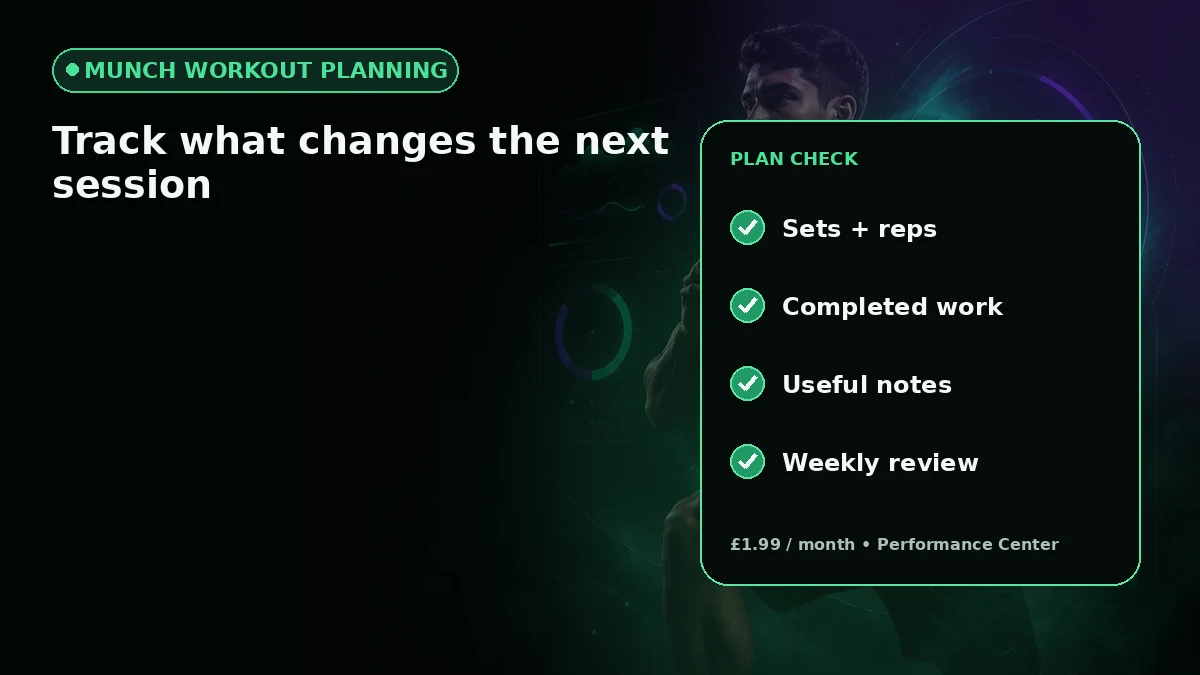
For resistance training, the most useful baseline is usually the exercise, number of sets, reps and the load or variation used. Session completion matters too: a plan that exists on paper but is rarely completed is giving different information from a plan that is followed consistently.
Short qualitative notes can add context that numbers miss. MUNCH’s workout plan view supports notes for details such as weights used, difficulty, pain or progress. Keep these notes factual. If pain is concerning, worsening or associated with injury, the correct response is not to use the tracker to justify continuing; stop and seek appropriate advice.
- Exercise and variation used
- Sets and reps completed
- Load when relevant and safely measured
- Session completion
- Brief notes on difficulty, technique or unusual symptoms
How workout progress appears inside MUNCH
MUNCH links the planned workout to completed sets, notes and overall plan progress.
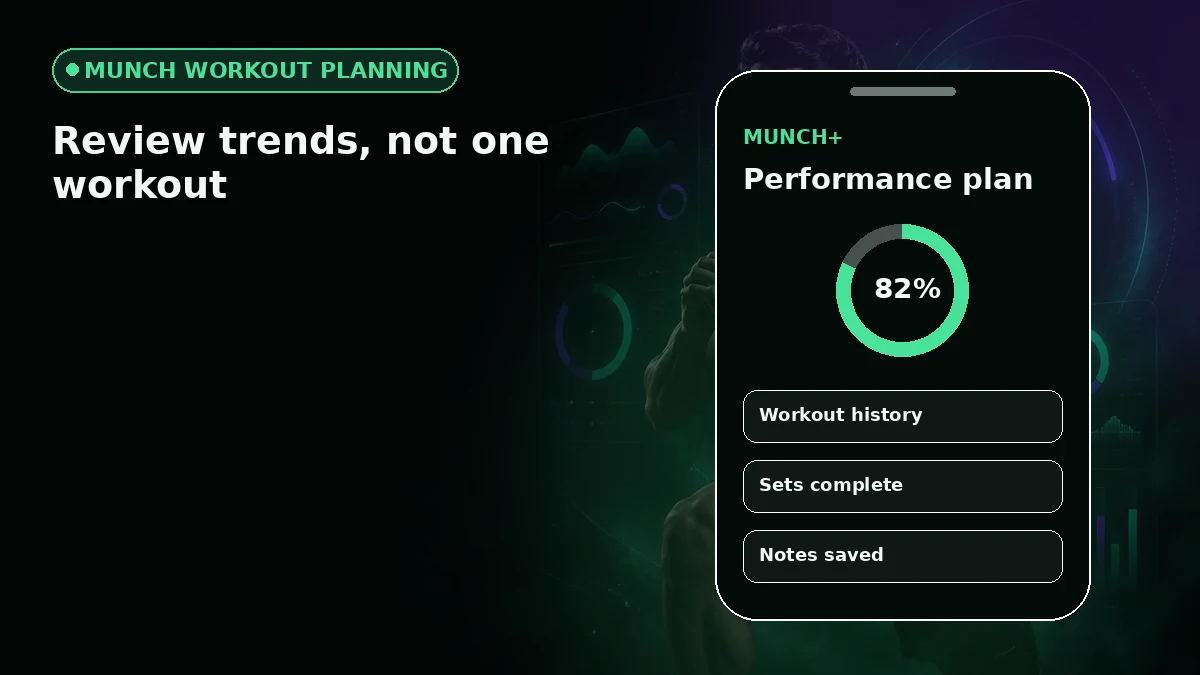
The current MUNCH workout flow shows exercise details such as sets, reps and equipment when those fields are present in the plan. During an active workout, sets can be marked complete. In the MUNCH+ Performance plan view, saved progress is loaded with the plan so completion is not separated from the programme itself.
That structure is useful because it distinguishes planned work from completed work. It also supports a more honest review: if the programme calls for repeated sessions but many are missed, the first change may be the schedule or plan fit rather than simply adding more exercises.
- 1
Open the planned session
Check the exercise order, sets, reps and equipment before starting.
- 2
Record completed work
Mark sets and the workout as you complete them instead of reconstructing the session later.
- 3
Add useful context
Note weights, difficulty or relevant observations without writing a long diary.
- 4
Review the pattern
Compare several sessions and the plan completion trend before deciding whether a change is needed.
Tracking progressive overload without turning every session into a test
Progressive overload means gradually increasing training demand; the change does not have to be a new maximum every workout.
Depending on the programme, progression might come from more repetitions at the same load, a small increase in load, improved range of motion, better technique, an additional set, or a harder exercise variation. The correct progression rule belongs to the programme, not to a generic app article.
A progress tracker helps by preserving the previous session so you can see what actually changed. If the plan contains progression rules, follow those rules rather than improvising a jump because the numbers look too similar. Strength and muscle development take repeated training; short-term fluctuations are normal.
| Signal | What it can show | What it does not prove |
|---|---|---|
| More reps at same load | Improved capacity within that rep target | That form and range stayed identical |
| More load at similar reps | Higher external resistance completed | That every future session should increase |
| Better technique or control | Improved execution quality | A specific body-composition result |
| More completed planned sessions | Better plan adherence | That the plan is optimal for every goal |
A simple weekly gym-progress review
Use the log to make one or two decisions, not to search for a dramatic trend every day.
At the end of the week, check completion first. How many planned sessions were actually done? Then look at the main exercises and compare a few meaningful markers. If several sessions felt unusually difficult, consider sleep, recovery, illness, stress and plan fit before assuming you need to push harder.
Keep changes small and traceable. If you change exercise selection, weekly frequency and loading at the same time, the tracker becomes less useful because you no longer know which change mattered. A clear log supports consistency precisely because it reduces guesswork.
- Check planned versus completed sessions.
- Compare the same exercises where possible.
- Note repeated pain or unusual symptoms and respond appropriately.
- Change one important variable at a time when the programme allows it.
- Judge trends over multiple sessions, not one unusually good or bad day.
Gym progress tracking methods compared
| Method | Strength | Limitation | Best for |
|---|---|---|---|
| Notebook | Fast, flexible, no setup | Harder to search trends and connect to a digital plan | Lifter with a stable programme |
| Spreadsheet | Highly customisable | More friction on a phone during training | Detail-oriented users reviewing later |
| Dedicated workout logger | Fast sets/reps history | May assume you bring your own programme | Experienced gym users |
| MUNCH / MUNCH+ workflow | Plan, exercise details, completion and notes in one flow | Performance Center is paid and not clinical coaching | Users who want a structured plan plus tracking |
Common mistakes to avoid
Logging every possible metric until the habit becomes annoying.
Treating a heavier weight as progress even when technique changed substantially.
Ignoring repeated pain because the workout log shows improvement elsewhere.
Changing the programme every time one session feels difficult.
Comparing unrelated exercises or different ranges of motion as if they were identical data.
Action checklist
- 1Choose three to five metrics that actually affect your next decision.
- 2Log sets and sessions while they are fresh.
- 3Use short notes for context, including unusual difficulty or pain.
- 4Review completion before judging performance.
- 5Compare several sessions before changing the plan.
- 6Keep the workout planner pillar bookmarked for broader app-selection questions.
Frequently asked questions
What should a gym progress tracker app record?
For many strength programmes, useful fields include the exercise, sets, reps, load or variation, session completion and short notes. The exact metrics depend on the programme. A good tracker should make previous sessions easy to review without forcing you to record so much detail that logging disrupts the workout.
Can MUNCH track completed workout sets?
Yes. The current MUNCH workout flow includes completed-set tracking during active workouts, while the Performance plan view can show planned sets, reps, equipment, saved progress and notes. Available details depend on the plan. MUNCH+ Performance Center is £1.99 per month, while the app itself is free to download.
How often should I review gym progress?
You can log each session, but meaningful review usually benefits from looking across multiple sessions rather than reacting to every workout. Check plan completion first, then compare relevant exercises and notes. The programme determines when to progress load, reps or exercise difficulty; a tracker should support that decision rather than replace it.
Can a workout tracker tell me whether pain is safe?
No. A workout tracker can record that pain occurred, but it cannot diagnose an injury or confirm that continuing is safe. Stop if you have concerning pain or symptoms and seek appropriate professional advice. Do not use progress data or a streak as a reason to train through a possible injury.
Sources and further reading
These sources support the general nutrition, activity or safety context. MUNCH feature details come from the current app implementation.
Related MUNCH guides
Use the pillar for the broad topic, then open the focused guide that matches your next decision.
Build your plan in MUNCH
Download MUNCH on iOS or Android. Core app tools are free to access, while MUNCH+ unlocks the Performance Center for £1.99 per month. Specialist consultations are separate.
About this guide
Written by the MUNCH Editorial Team using the current mobile app implementation, the supplied Search Console query data and the MUNCH SEO content framework. The page is reviewed whenever the feature, pricing or availability changes.